Foldy Birdy
A paper bird arcade game you play with the hinge of iPhone Duo.
For iPhone Duo and every iPhone. Coming Fri Oct 23.
About the game
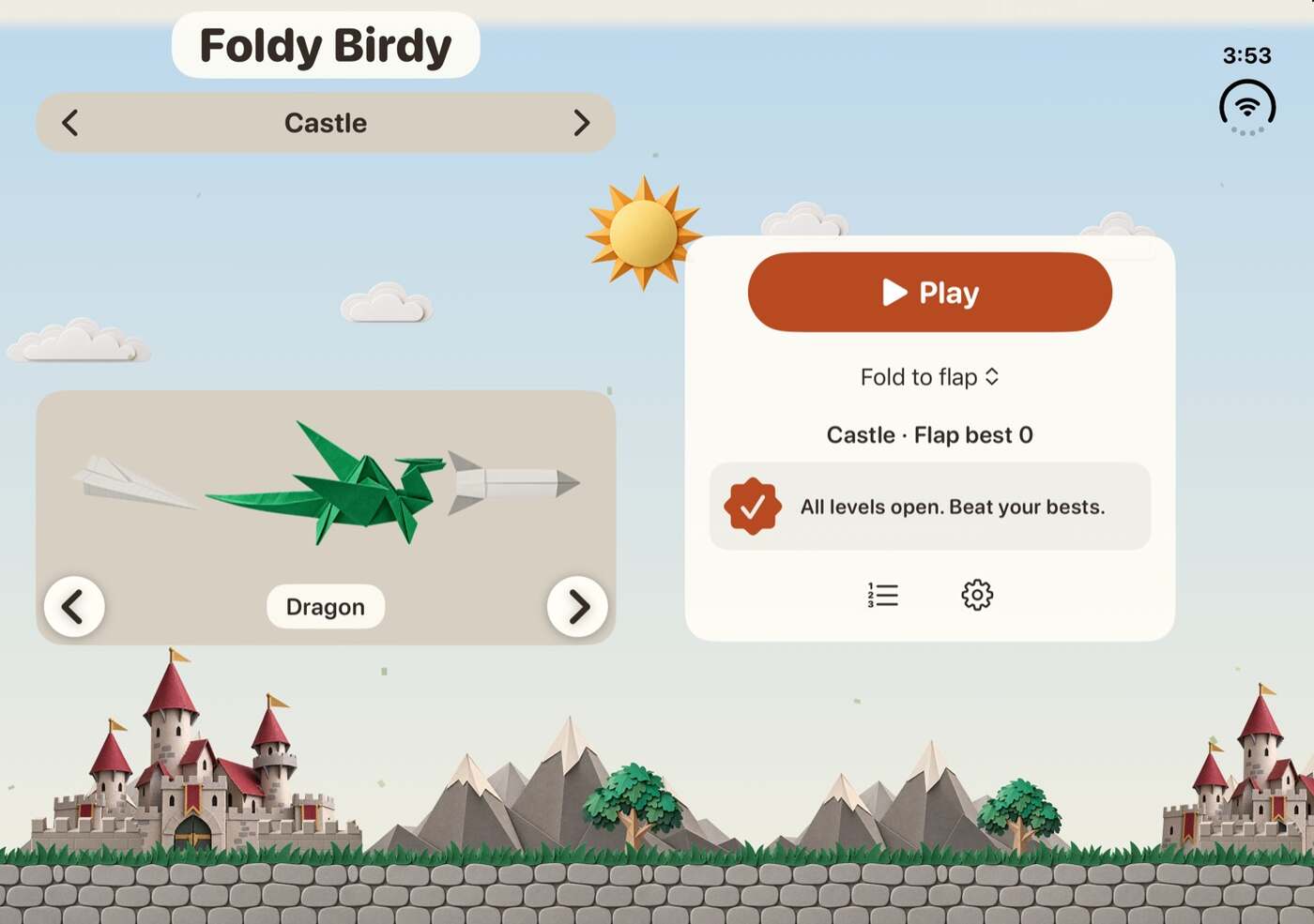
Foldy Birdy is an arcade game built for iPhone Duo. You play it with the hinge. Hold the phone half open, like a book, and fold it a little to flap. Or pick Fold Glide: the hinge angle sets the bird's height. Open wider to climb, close to dive. The bird and score stay right of the fold, which stays sharp while you fold.
It works on every iPhone too: tap to flap, or tilt the phone or drag a finger to glide.
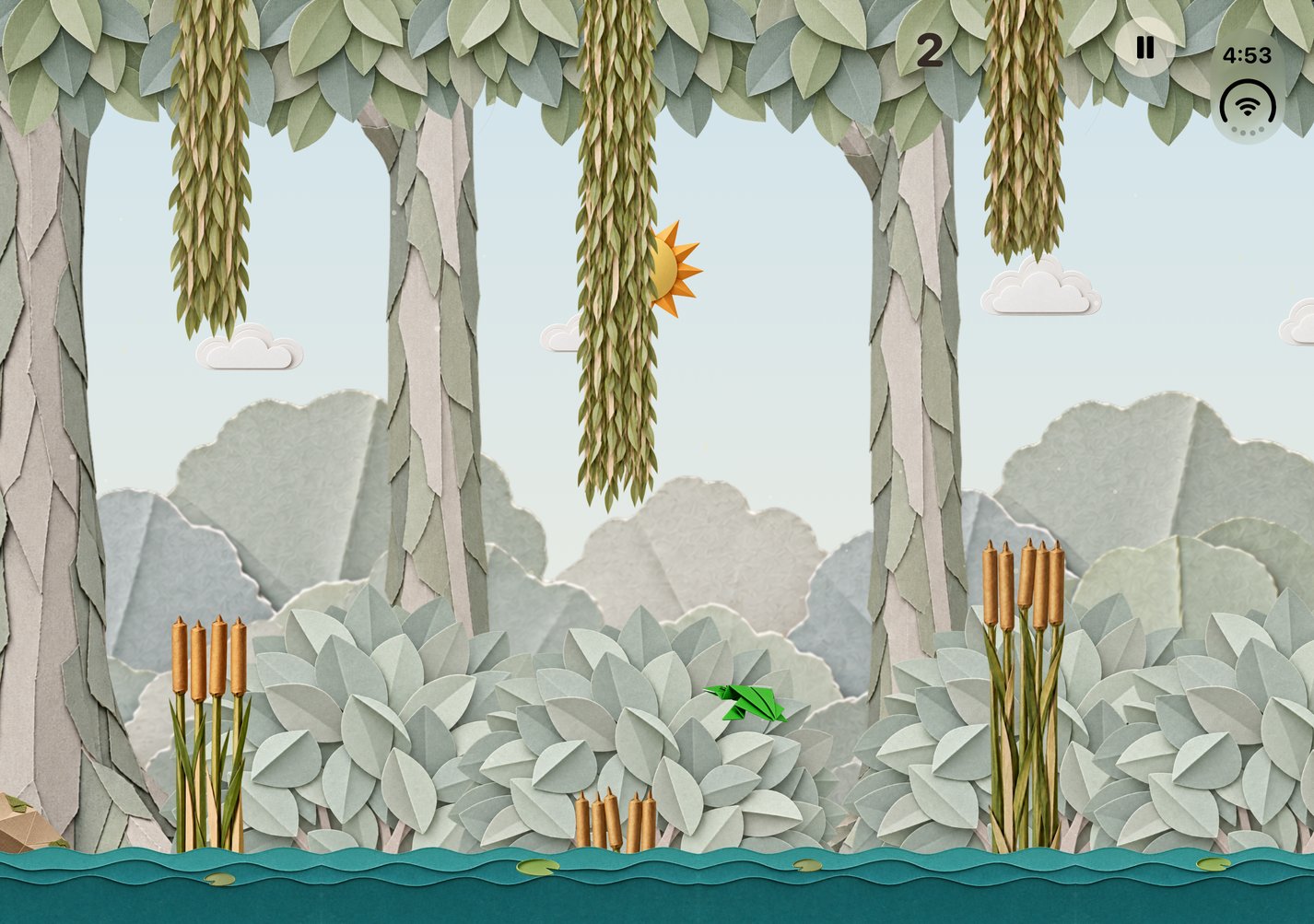
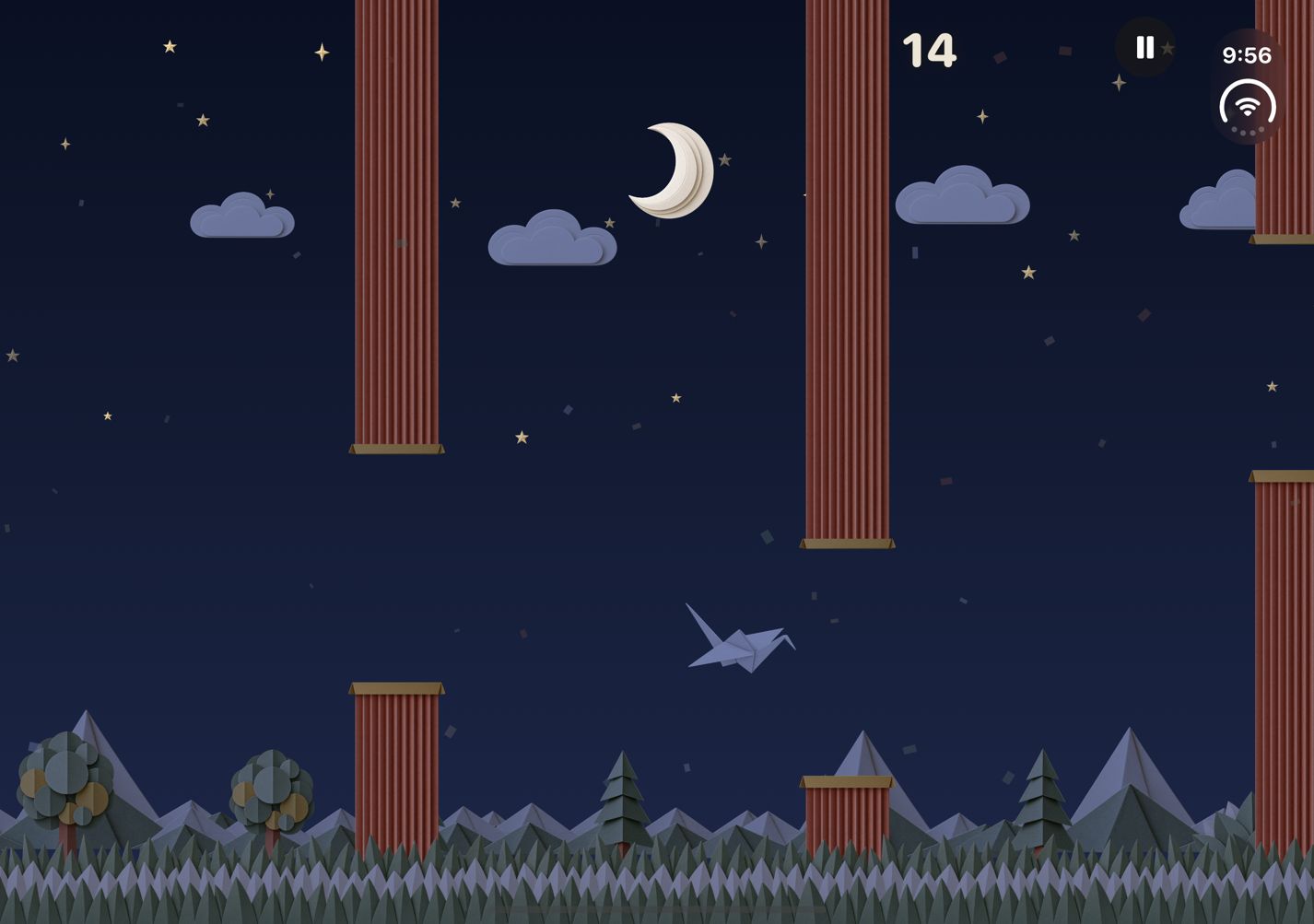
Fly through the gaps in the folded paper columns. One point per gap. Touch a column or the ground and the run is over. Day turns to night as you fly.
Release is Fri Oct 23, the day iPhone Duo ships.
How you play
Two modes: Flap and Glide. Pick how you play with the switch above Play. It lists only the ways your phone can use right now.
On iPhone Duo
Fold Flap
Hold the phone half open, like a book. Fold it a little to flap. "Flap on small folds" is on by default, so a 5° fold is enough.
Fold Glide
The hinge angle sets the bird's height. Open wider to climb, close to dive.
On every iPhone
Tap Flap
Tap anywhere to flap. Every tap gives the bird a flap. Tapping works on iPhone Duo too.
Tilt Glide
Hold the phone in front of you. Tip the top away to climb, toward you to dive.
Drag Glide
Drag a finger up to climb, down to dive. It steers like a trackpad, from wherever your finger lands.
Fold Glide and Tilt Glide start with a short hold of the start button. The angle you hold the phone at becomes the bird's starting height. Drag Glide starts at your first touch.
Video
Fold Flap and Fold Glide on the iPhone Duo inner display, then Tap Flap and Tilt Glide on iPhone. Recorded in the iOS Simulator. No sound.
Screenshots
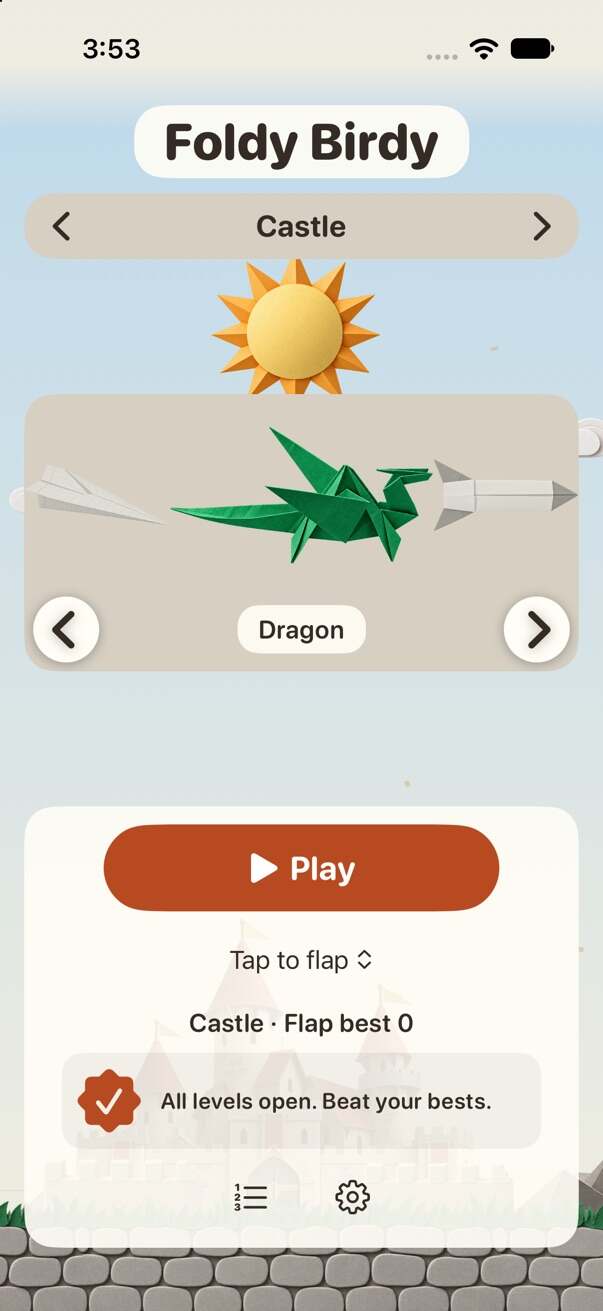
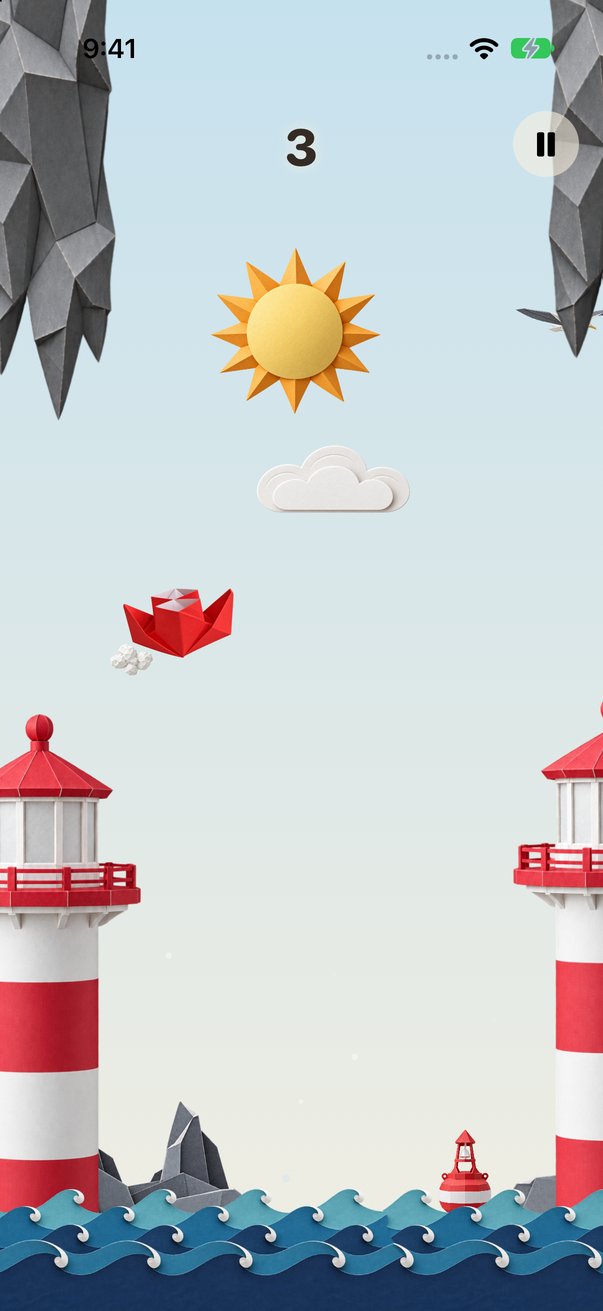
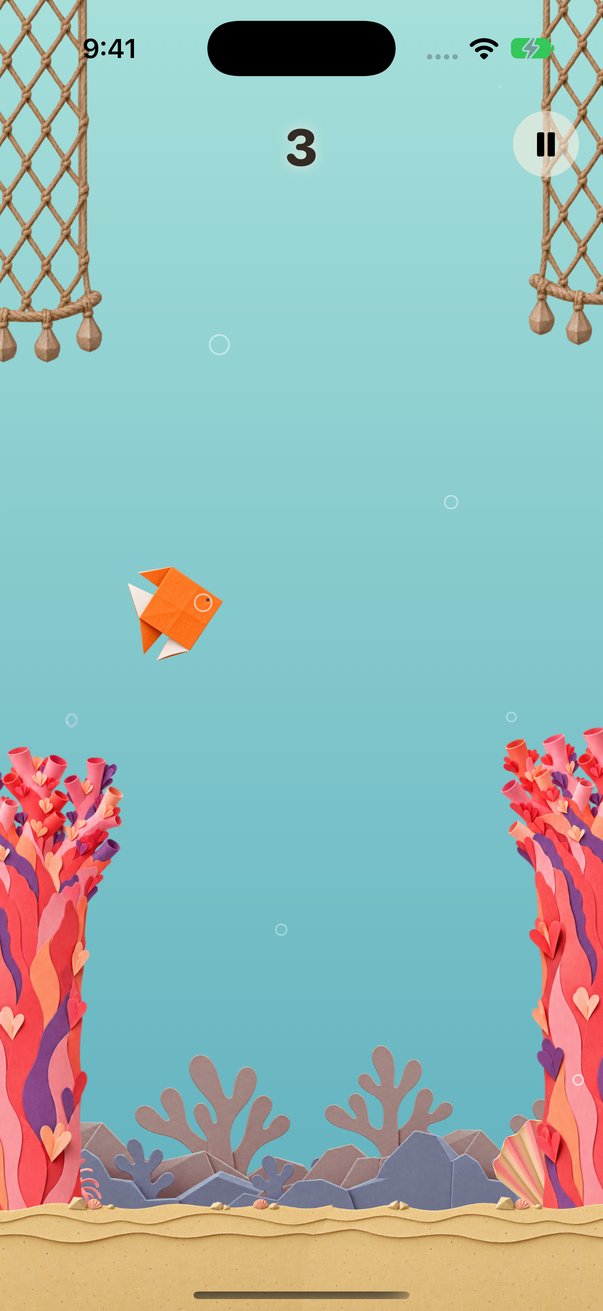
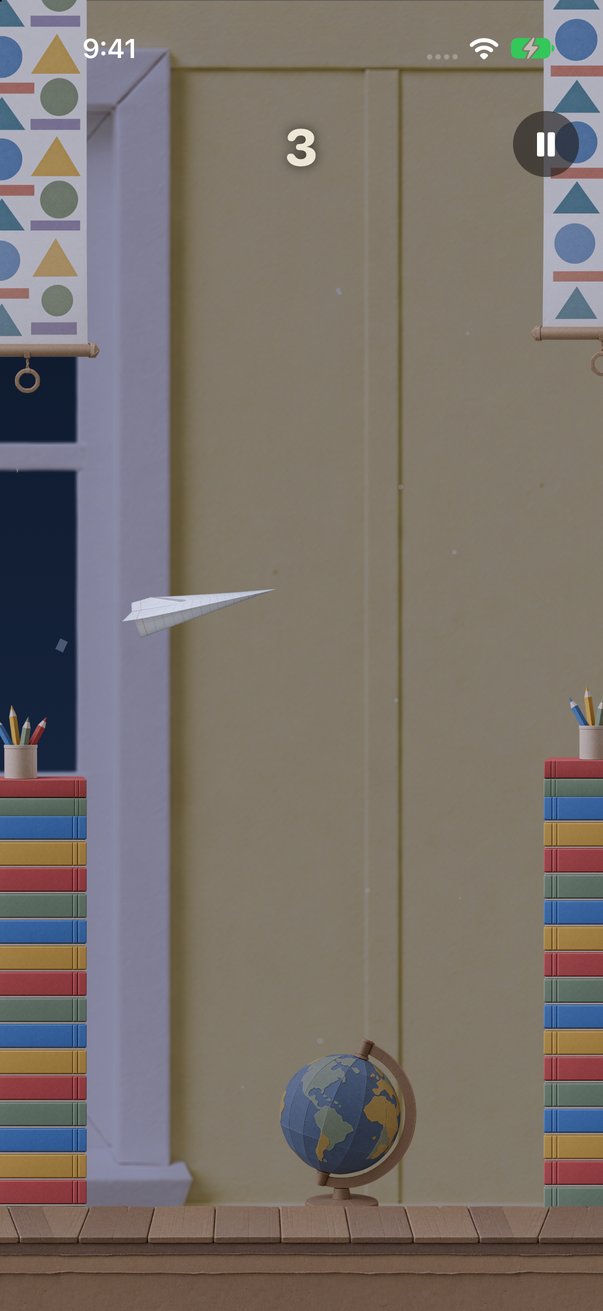
Captured in the iOS Simulator. Select an image to open the full-size file.
iPhone Duo, inner display
iPhone
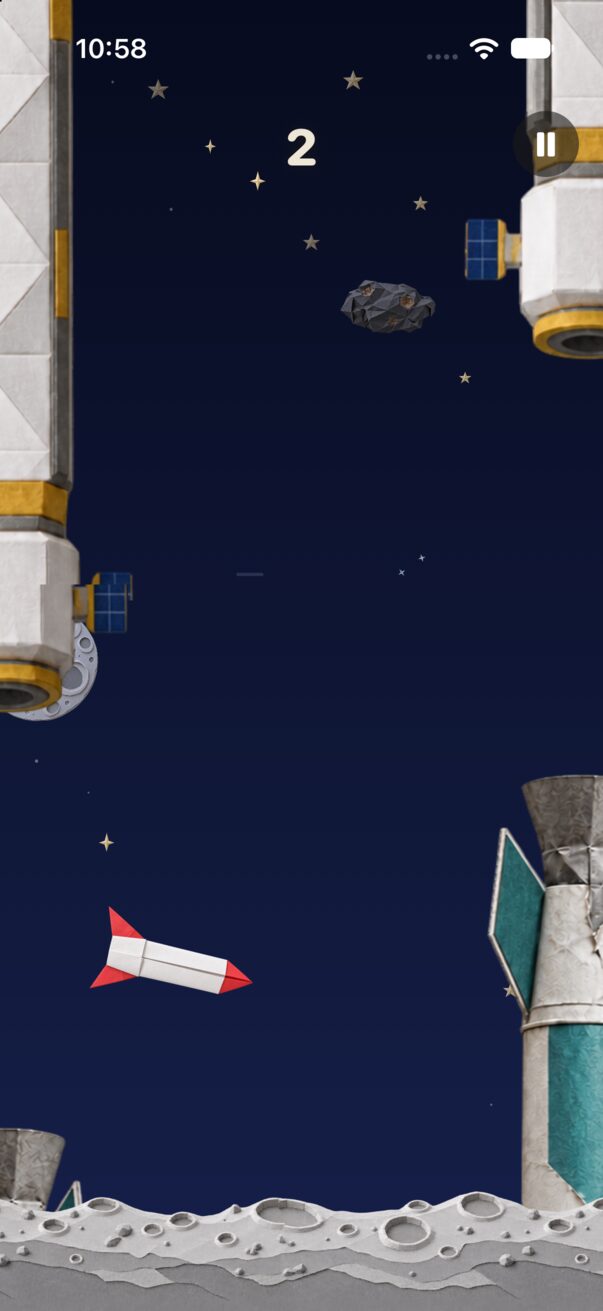
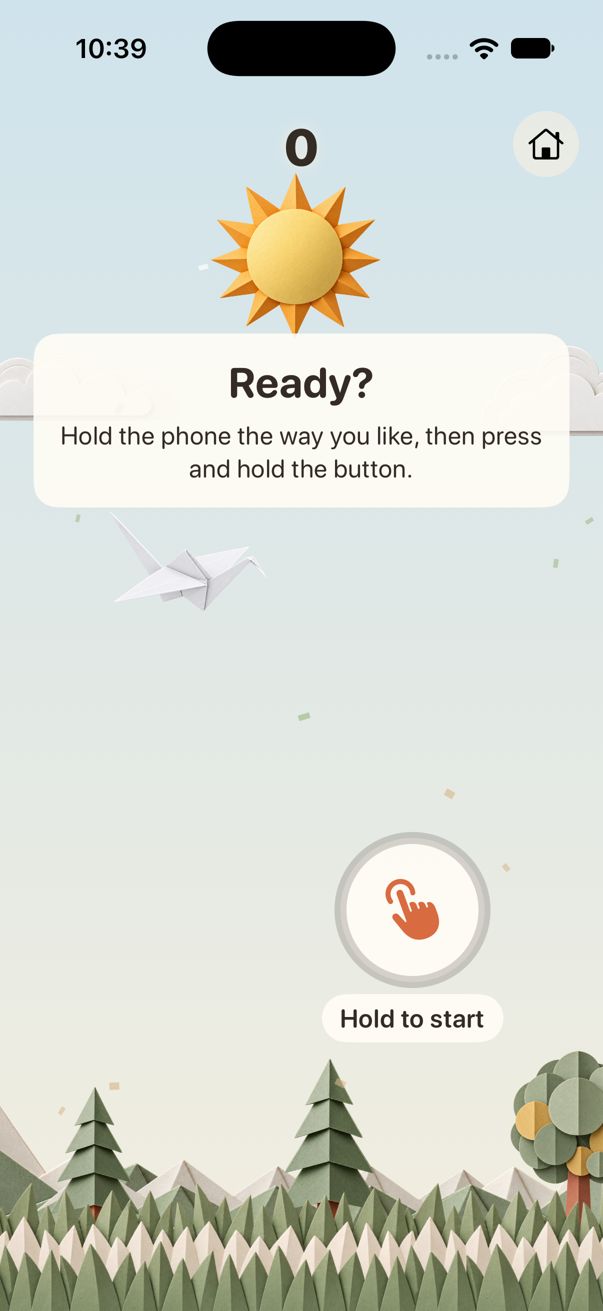
20 paper worlds, 20 origami characters
A campaign runs through 20 worlds, from calm to wild. Each world has its own origami character, copied from a real origami design. The worlds and characters are styled as real folded paper.
-
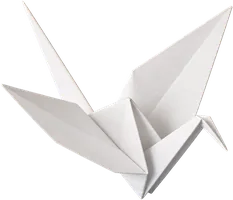 World 1
Paper Hills
Crane
World 1
Paper Hills
Crane
-
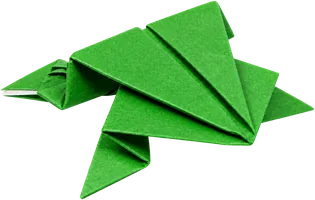 World 2
Lily Pond
Frog
World 2
Lily Pond
Frog
-
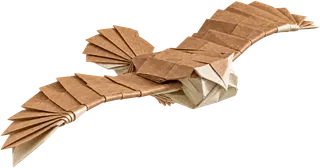 World 3
Autumn Forest
Owl
World 3
Autumn Forest
Owl
-
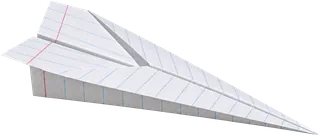 World 4
Classroom
Paper Airplane
World 4
Classroom
Paper Airplane
-
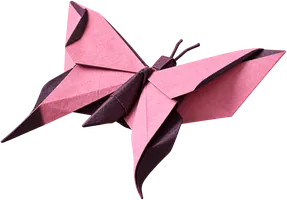 World 5
Japanese Garden
Butterfly
World 5
Japanese Garden
Butterfly
-
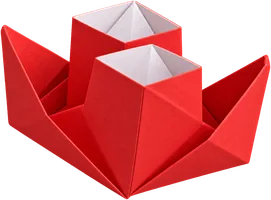 World 6
Lighthouse Bay
Steamboat
World 6
Lighthouse Bay
Steamboat
-
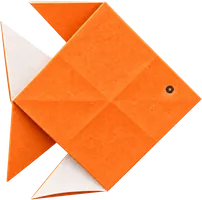 World 7
Coral Reef
Fish
World 7
Coral Reef
Fish
-
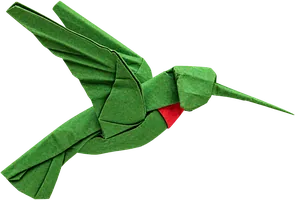 World 8
Rainforest Waterfall
Hummingbird
World 8
Rainforest Waterfall
Hummingbird
-
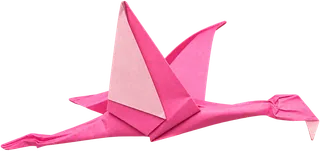 World 9
African Safari
Flamingo
World 9
African Safari
Flamingo
-
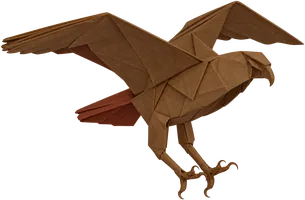 World 10
Desert
Hawk
World 10
Desert
Hawk
-
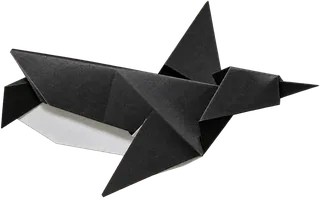 World 11
Arctic
Penguin
World 11
Arctic
Penguin
-
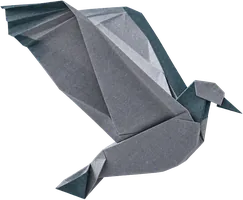 World 12
Night City
Pigeon
World 12
Night City
Pigeon
-
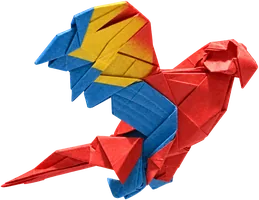 World 13
Pirate Cove
Parrot
World 13
Pirate Cove
Parrot
-
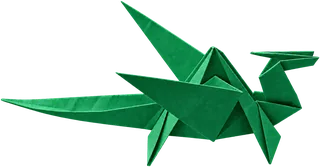 World 14
Castle
Dragon
World 14
Castle
Dragon
-
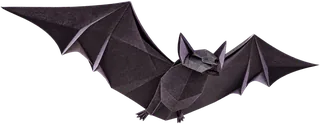 World 15
Haunted Forest
Bat
World 15
Haunted Forest
Bat
-
 World 16
Storm
Kite
World 16
Storm
Kite
-
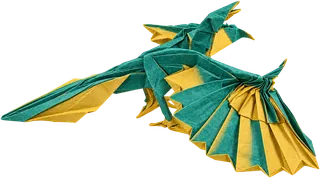 World 17
Dino Jungle
Archaeopteryx
World 17
Dino Jungle
Archaeopteryx
-
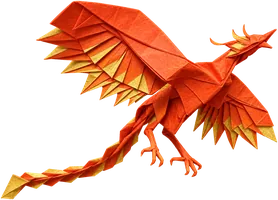 World 18
Volcano Island
Phoenix
World 18
Volcano Island
Phoenix
-
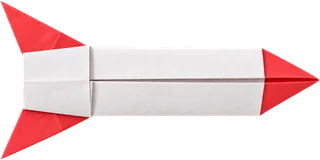 World 19
Outer Space
Rocket
World 19
Outer Space
Rocket
-
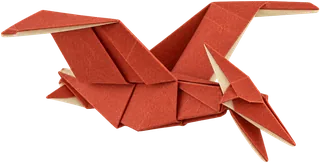 World 20
Dino Apocalypse
Pterodactyl
World 20
Dino Apocalypse
Pterodactyl
How unlocks work
- You start in Paper Hills with the crane.
- Score 10 in a world to unlock its character.
- Score 15 in that world with its character to open the next world.
- Every run starts easy and gets harder over its first 60 points, in every world.
- Flap and Glide both count. Bests are kept per world and per mode.
- Bronze, silver, gold and platinum medals at 10, 20, 30 and 40 points.
- Game Center leaderboards for Flap and Glide. Medals are Game Center achievements too.
- Best scores and unlocks sync across your devices through iCloud.
- Share a picture of your score.
Accessibility
- Tap anywhere to flap, on every iPhone.
- "Flap on small folds" (on by default) needs only a 5° fold.
- VoiceOver reads the score every 5 points, the result at game over, and why a run paused.
- Text scales to the accessibility sizes.
- Light and dark looks, with text that meets WCAG AA contrast.
- "Swap climb and dive" for Glide.
- No account needed. Game Center is optional.
Languages
Foldy Birdy is in 9 languages.
- English
- 日本語 (Japanese)
- Deutsch (German)
- Français (French)
- Español (Spanish)
- Português (Brasil) (Portuguese, Brazil)
- 한국어 (Korean)
- 繁體中文 (Chinese, Traditional)
- Italiano (Italian)
Support
Questions, bugs or ideas? Email us:
- Requirements: iPhone with iOS 26 or later. Fold Flap and Fold Glide need iPhone Duo.
- Ads: the game has ads, never while you fly. Remove Ads is a one-time in-app purchase, on the game over screen and in Settings. It removes the banner and full-screen ads. The optional "watch an ad to continue" stays.
- Restore a purchase: open Settings (the gear on the title screen) and choose Restore Purchases. Use the Apple Account you bought it with.
- Folding does not flap: hold the phone half open, then make a quick, small fold. "Flap on small folds" in Settings (on by default) makes a 5° fold count.
- Score not on the leaderboard: in Settings, choose Sign in to Game Center. Your best is sent once you are signed in.
- Ad tracking: change it in iOS Settings > Privacy & Security > Tracking. Where Google's consent rules apply, use "Privacy choices" in the game's Settings.
- Analytics: turn off "Share analytics" in the game's Settings to send nothing to Google Analytics.
- Privacy: read the Foldy Birdy privacy policy.